
Understanding how to Choose Printer Stands is vital for optimal workspace organization and ergonomic efficiency. Beyond aesthetics, the right selection ensures the long-term protection of heavy office equipment. This definitive guide explores how to identify the ideal stand by evaluating critical weight capacity, material quality, and all essential functional features.
I. Space Description: The Strategic Value of Printer Stand Selection
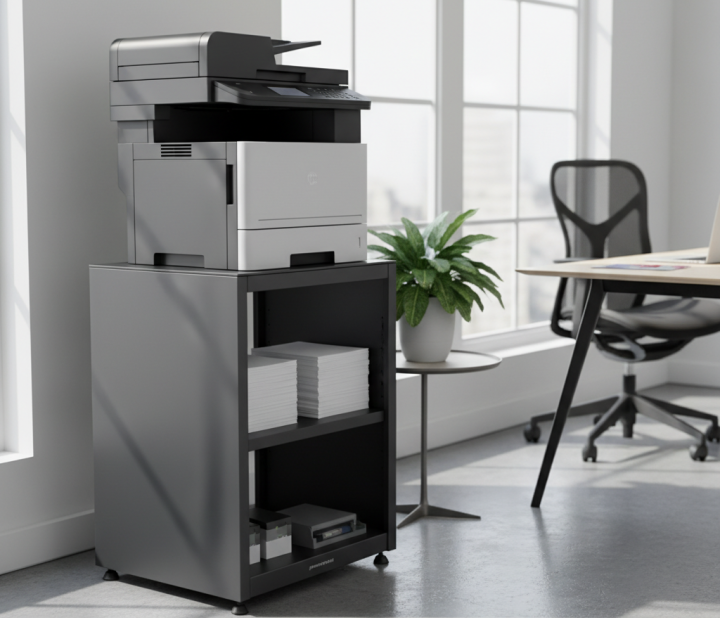
Procurement professionals often overlook the printer stand selection process, treating it as a commodity purchase rather than a critical infrastructure component. In a high-traffic copy/print resource room, the stand serves as the foundation for expensive multi-function printers (MFPs) that are the lifeblood of office documentation. A failure in this “minor” piece of furniture can lead to equipment damage, safety hazards, and significant downtime for the entire department.
Choosing the right stand requires an understanding of the specific environmental stresses of a resource room, including humidity from high-volume printing and the physical vibration of mechanical components. By analyzing the “Space Description” of the intended site, teams can determine whether they need a fixed unit or a mobile workstation designed to handle the torque of heavy-duty document processing.
| Environment Type | Traffic Level | Priority Metric |
|---|---|---|
| Executive Suite | Low | Aesthetic/Noise Dampening |
| Shared Resource Room | High | Durability/Weight Capacity |
| Open Workstation | Medium | Ergonomics/Cable Management |
Analysis: The root cause of equipment failure is frequently a mismatch between the machine’s vibration frequency and the stand’s structural resonance.
Key Takeaway: A printer stand is a vibration-dampening platform first and a storage unit second; prioritize structural rigidity over shelf count.
II. Adjacencies: Integrating a Durable Printer Stand into Office Flow
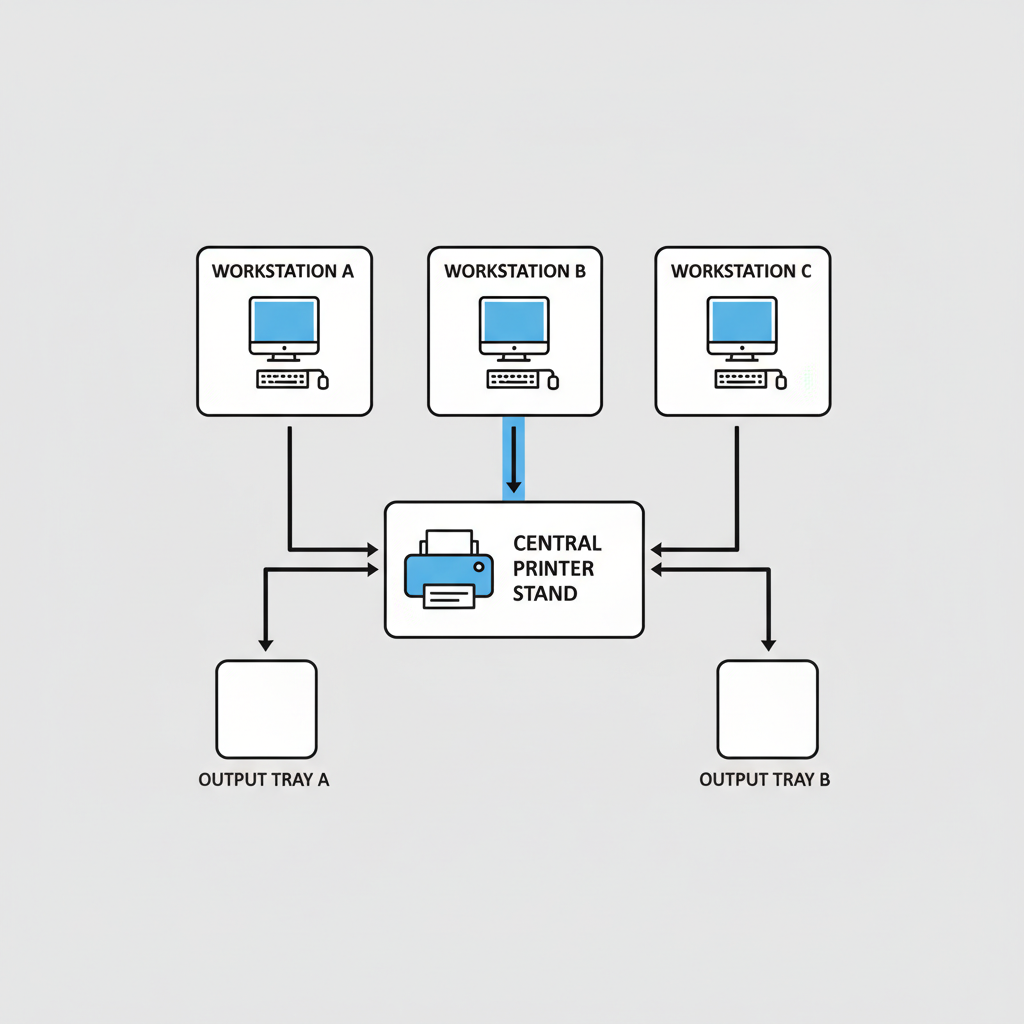
A durable printer stand must be positioned within the office layout to minimize physical strain on both the user and the furniture itself. Procurement teams should analyze “Adjacencies”—how the stand interacts with workstations, storage cabinets, and traffic lanes. If a stand is placed in a high-traffic “choke point,” it will be subjected to frequent accidental impacts and “bumping,” which can compromise joints over time.
Strategically placing the stand near heavy paper storage reduces the distance users must carry weight, but it also increases the localized load on that section of the floor. For teams planning large-scale deployments, understanding how the stand facilitates a “circular workflow”—from paper input to output tray—is essential for long-term operational efficiency. For more on optimizing layouts, see our guide on how to spec an office workstation layout .
| Adjacency Factor | Risk Level | Mitigation Strategy |
|---|---|---|
| High-Traffic Aisle | High | Use steel-reinforced corners |
| Desk Proximity | Low | Focus on acoustic dampening |
| Loading Zone | Medium | Ensure heavy-duty locking casters |
Analysis: Inefficient placement leads to “lateral shear,” where users push or pull on the stand to reach paper trays, eventually loosening the fasteners.
Key Takeaway: Mapping adjacencies prevents environmental damage and ensures the stand remains stable under lateral pressure.
III. Planning: Structural Specs for an Industrial Printer Stand
Effective planning for an industrial printer stand begins with a rigorous audit of the equipment it will support. Procurement teams must calculate not only the static weight of the printer but the “dynamic load”—the weight when all trays are extended and the scanner bed is in motion. Planning must also account for the floor surface; a stand designed for low-pile carpet will behave differently on polished concrete or hardwood.
Furthermore, procurement should evaluate the “Planning” phase of the resource room to ensure the stand meets building fabric requirements. This includes floor load-bearing capacities and clearance for door openings. Failure to plan for these variables often results in stands that are too wide for standard office doors or too heavy for raised access flooring. To ensure you’re choosing the right size, refer to our standard desk dimensions guide.
| Planning Variable | Requirement | B2B Standard |
|---|---|---|
| Load Type | Dynamic | 1.5x Equipment Weight |
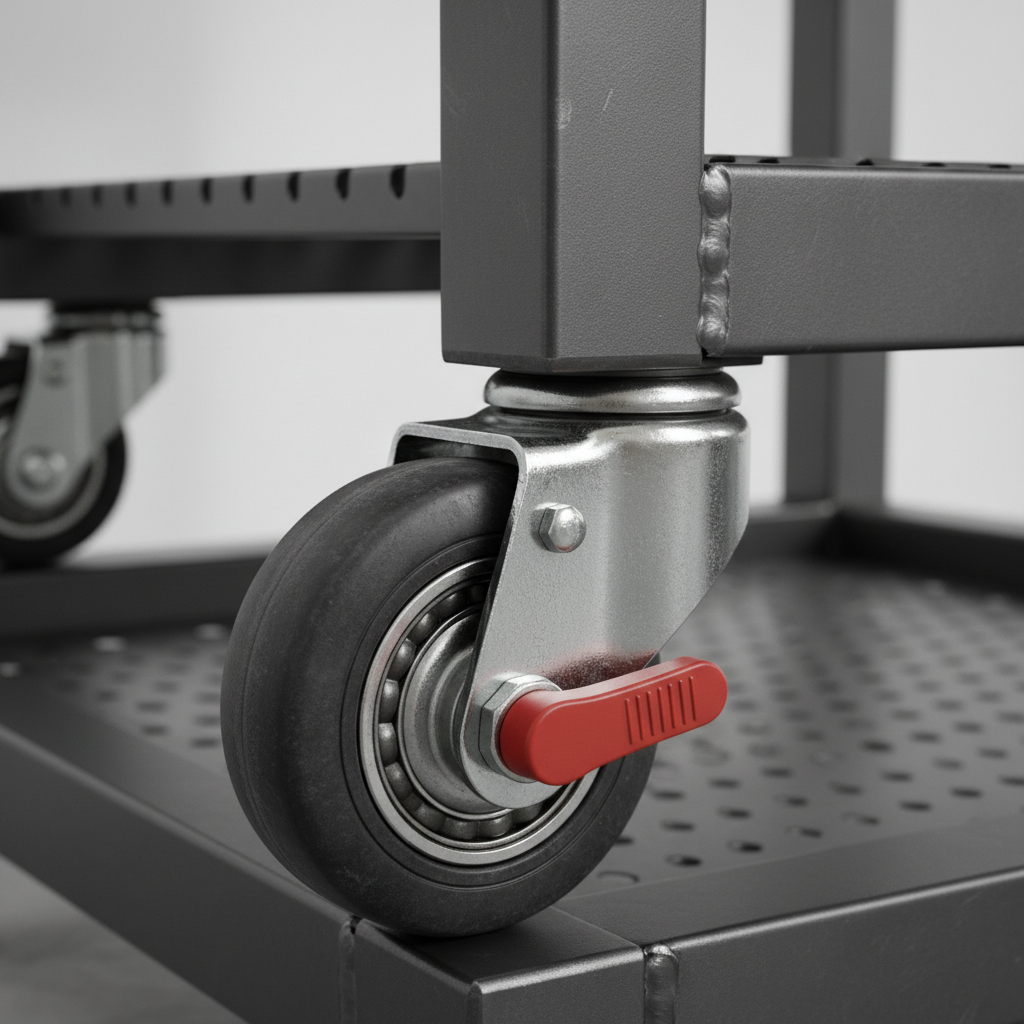
| Base Type | Mobile | Dual-wheel casters (lockable) |
| Height | Ergonomic | 28″ to 32″ for standing access |
Analysis: Casters are the primary failure point in B2B environments; selecting dual-bearing steel casters is the most effective way to extend asset life.
Key Takeaway: Planning must account for the dynamic weight of a fully loaded machine plus a 20% safety margin for supply storage.
IV. Building Fabric & Materials: Selecting a Heavy Duty Printer Stand
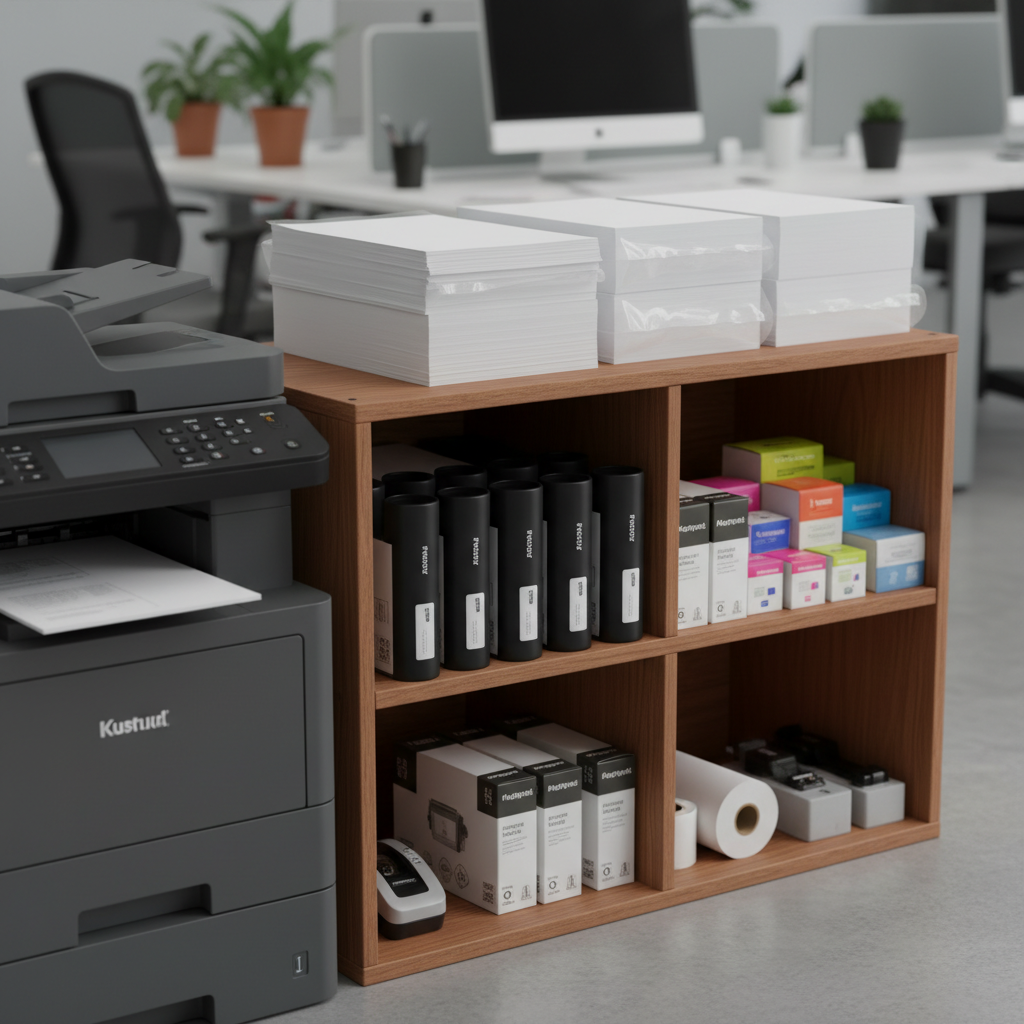
The “Building Fabric” of the furniture itself—its material composition—is what defines a heavy-duty printer stand. Procurement teams must choose between solid wood, high-density fiberboard (MDF), or steel. While MDF is cost-effective, it is prone to “creeping”—permanent deformation under constant heavy weight, especially in humid environments or near heat-generating laser printers.
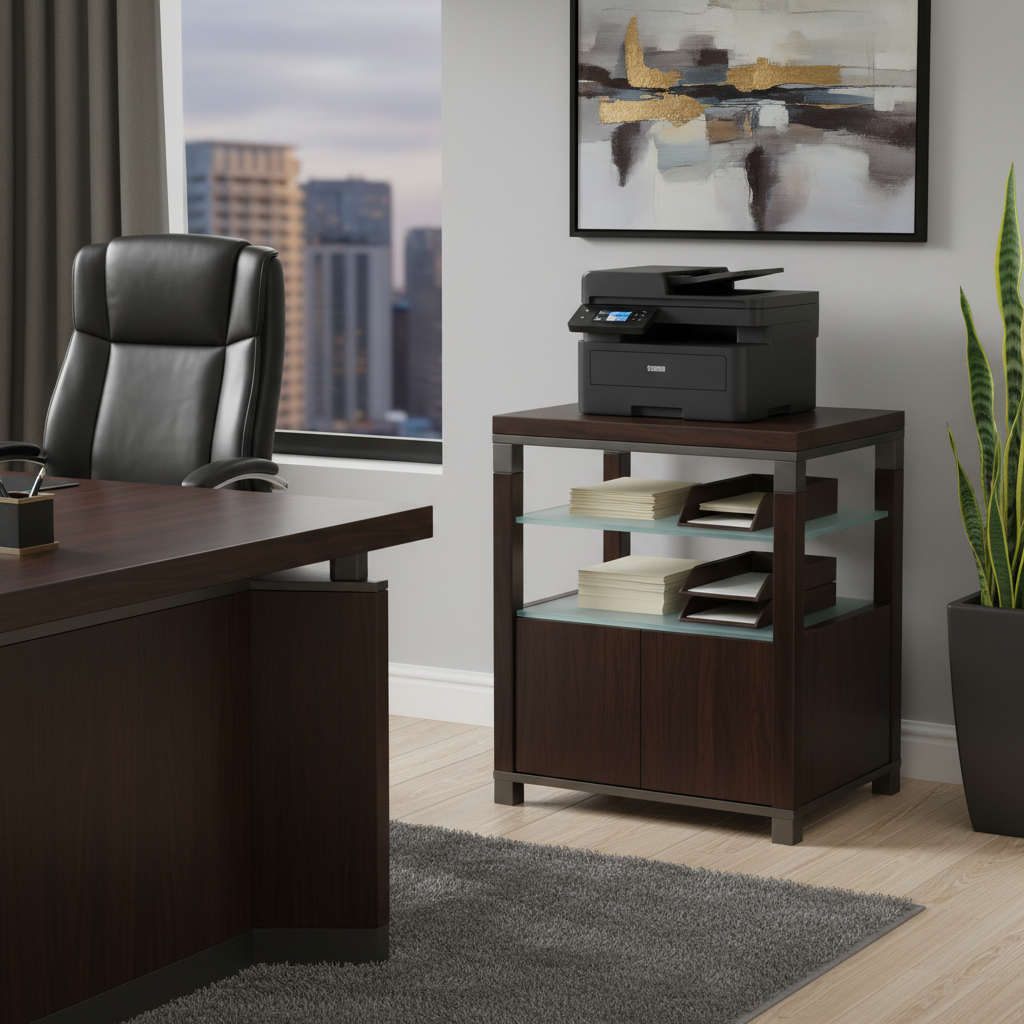
Steel frames offer the highest durability but can amplify noise if not properly dampened. Solid wood or high-quality veneers provide a balance of aesthetic appeal and structural integrity, making them ideal for executive environments.
| Material | Lifespan | Best Use Case |
|---|---|---|
| Cold-Rolled Steel | 10+ Years | Industrial/High-Volume |
| Solid Hardwood | 8+ Years | Executive/High-Visibility |
| Commercial MDF | 3-5 Years | Temporary/General Staff |
Analysis: Material selection directly dictates the five-year replacement cycle and the Total Cost of Ownership (TCO) for the procurement department.
Key Takeaway: Avoid lower-grade MDF for printers exceeding 50 lbs, as the material will eventually sag and jam paper trays.
V. Openings & Accessibility: Office Printer Stand Ergonomics
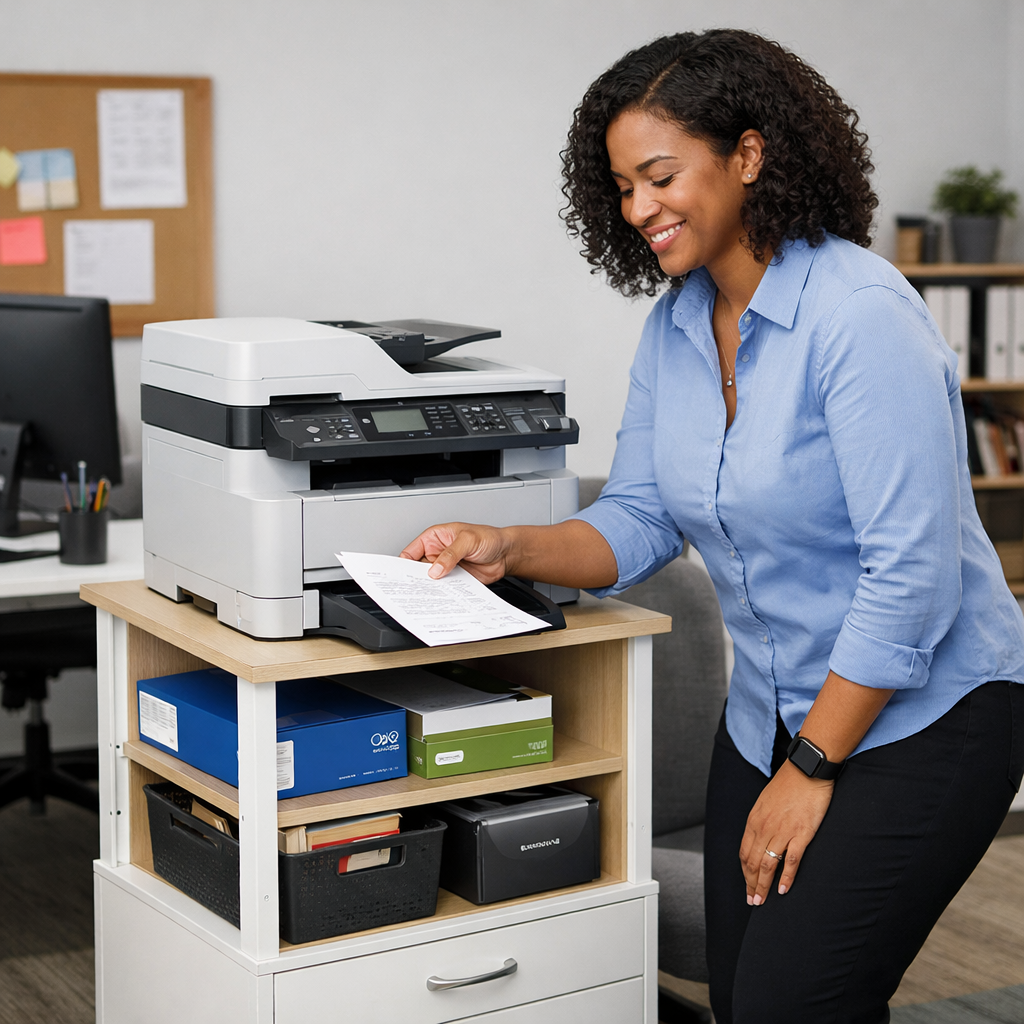
“Openings” in a procurement context refer to the accessibility of the printer’s various trays and maintenance panels. Office printer stand ergonomics dictate that the stand height must allow the shortest and tallest users to access the scanner bed and paper drawers without excessive bending or reaching. A stand that is too low forces users into a “stoop” position, while one that is too high makes the scanner bed inaccessible to many.
Accessibility also involves the clearance required to open the stand’s internal storage doors or drawers. In tight copy rooms, procurement should prioritize stands with sliding doors or open shelving to maximize the “opening” footprint. Ensuring proper ergonomics is a key part of peak productivity.
| User Percentile | Recommended Stand Height | Ergonomic Impact |
|---|---|---|
| 5th (Shortest) | 26″ – 28″ | Accessible Scanner Bed |
| 50th (Average) | 29″ – 30″ | Standard Comfort |
| 95th (Tallest) | 31″ – 33″ | Reduced Back Strain |
Analysis: The height-to-weight ratio of the stand impacts the center of gravity; taller stands require a wider base to remain stable during paper tray access.
Key Takeaway: Ergonomic stand height is a safety requirement that prevents repetitive strain injuries and equipment tip-overs.
VI. Fixtures & Components: Rolling Printer Stand Storage
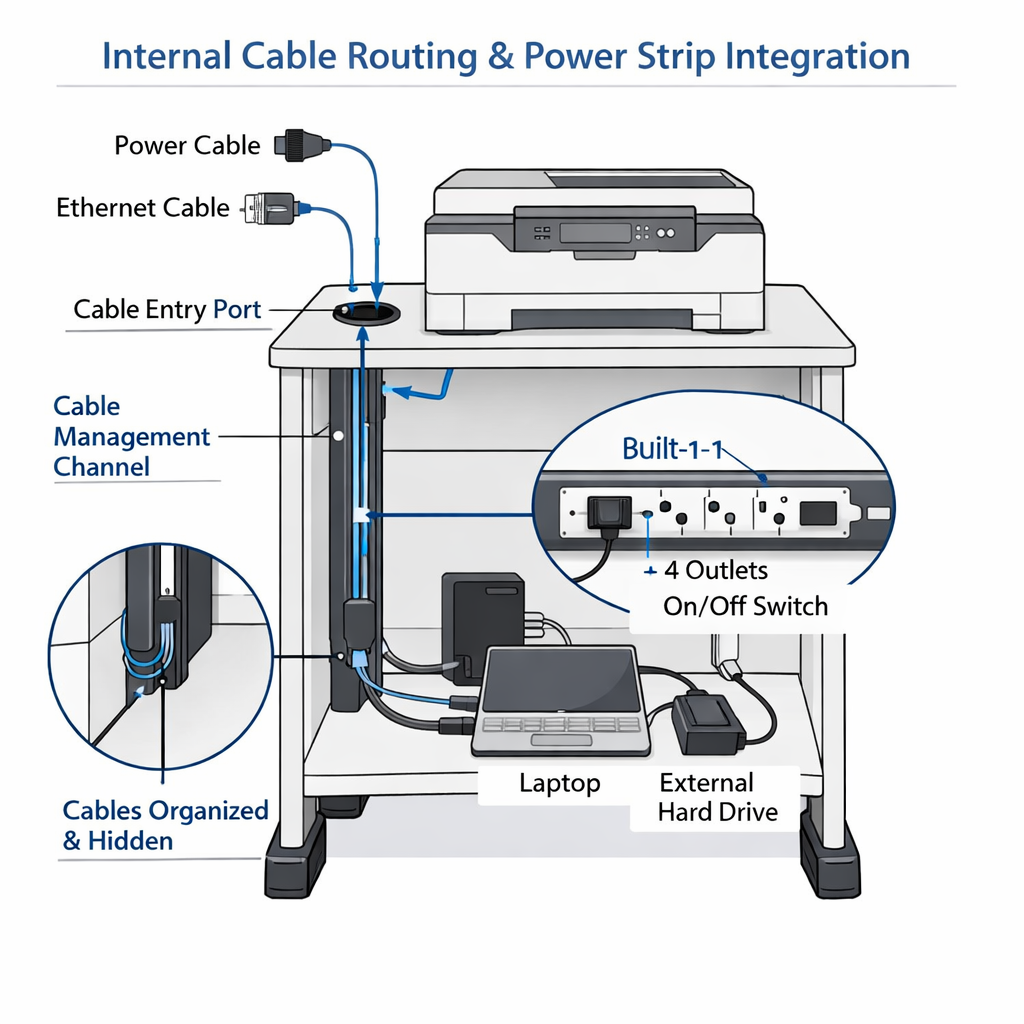
The “Fixtures” of a rolling printer stand storage unit include the internal shelving, cable management ports, and locking mechanisms. Procurement teams should look for components that facilitate organization rather than just providing empty space. Integrated cable management is particularly vital; exposed wires are a trip hazard and a frequent cause of accidental equipment disconnection.
Furthermore, components such as adjustable shelves allow the stand to adapt to different supply sizes, from standard A4 paper to large-format toner cartridges. If the stand will be used in a shared space, procurement should consider fixtures with security locks to prevent unauthorized access to sensitive documents or expensive supplies.
| Component | Critical Feature | Procurement Benefit |
|---|---|---|
| Cable Port | 2″ Diameter (Minimum) | Fits high-gauge power cords |
| Shelf Pins | Steel Threaded | Prevents shelf collapse under paper weight |
| Door Hinges | 110-Degree Swing | Full access to internal supplies |
Analysis: Storage loads should always be distributed to the lowest shelves possible to lower the unit’s center of gravity and prevent tipping during movement.
Key Takeaway: Integrated cable management isn’t an “extra”—it is a liability-reducing necessity for commercial office environments.
VII. Furniture Specs: Large Printer Stand Capacity
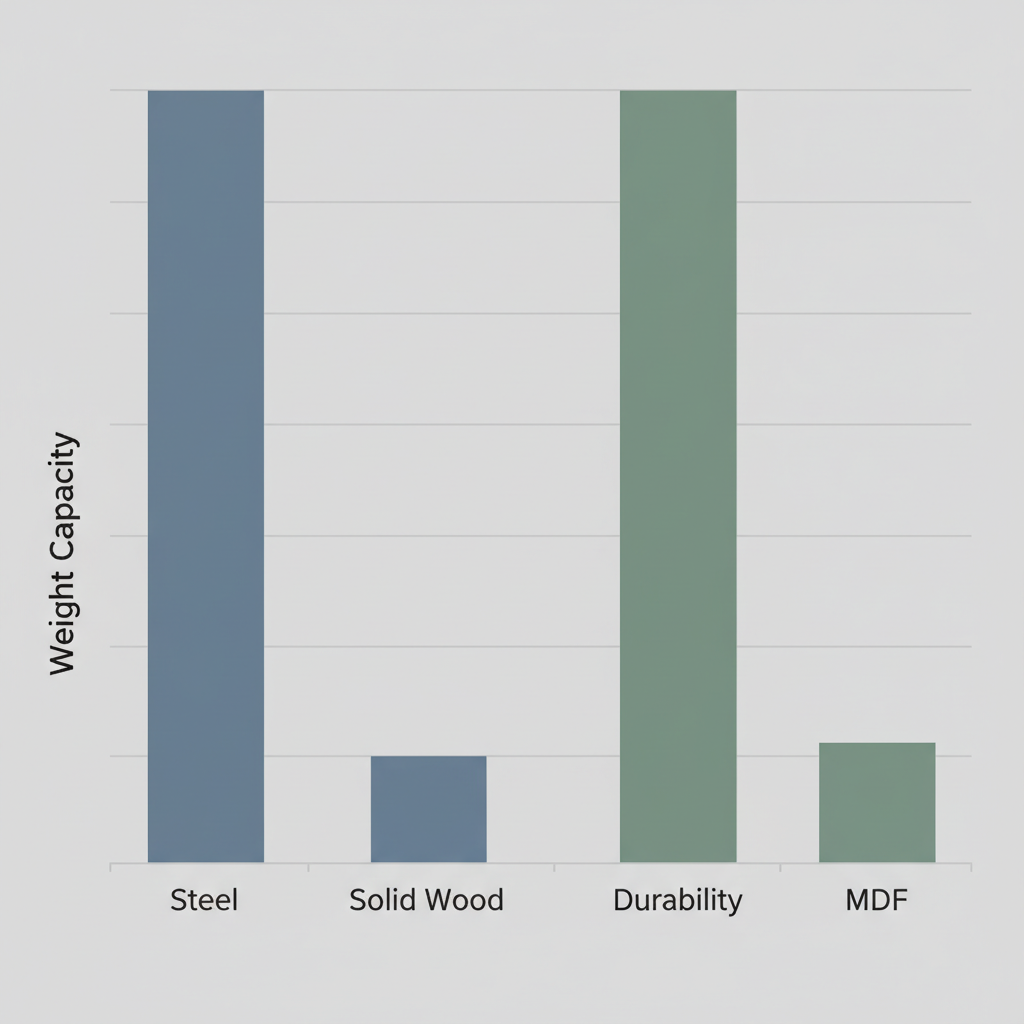
When reviewing a large printer stand capacity, procurement must look beyond the “total weight limit.” The specification should be broken down into “shelf capacity” and “top surface capacity.” A common failure occurs when a stand is rated for 200 lbs total, but the top surface—where the 150 lb printer sits—can only handle 100 lbs of concentrated load.
Understanding these “Furniture Specs” ensures that the stand can handle the weight of 5–10 reams of paper (approx. 5 lbs each) stored internally without bowing the frame.
| Load Metric | Specification Requirement | Safety Factor |
|---|---|---|
| Top Surface | Concentrated Load Rating | +25% |
| Internal Shelf | Uniformly Distributed Load (UDL) | +15% |
| Overall Frame | Static Compression Strength | +50% |
Analysis: Structural failure occurs most often when procurement ignores the weight of stored consumables (toner and paper), which can add 50+ lbs to the unit.
Key Takeaway: Always request the “Concentrated Load Rating” for the top surface, as this is where the printer’s weight is most taxing.
VIII. Security & Acoustics: Maintaining a Stable Printer Stand

Security and acoustics are often secondary considerations, yet they define the “feel” of a professional office. A stable printer stand must minimize the noise generated by the printer’s mechanical parts. If a stand is “rattly” or hollow, it will amplify the decibel level of every print job, disrupting nearby employees. Material thickness and the use of rubberized gaskets at joint connections are key acoustic dampeners.
From a security standpoint, the stand must be “secure” in its position. This means high-quality locking casters that prevent the unit from “walking” across the floor due to machine vibration. In secure facilities, the “Security” requirement might also include tethering points to anchor the stand to the wall or floor.
| Acoustic Feature | Impact | Level |
|---|---|---|
| Rubber Gaskets | Vibration Isolation | High |
| Solid Core Panels | Sound Absorption | Medium |
| Felt-Lined Drawers | Noise Reduction | Low |
Analysis: High-speed laser printers create micro-stresses on furniture joints; stands without vibration-dampening features will require bolt-tightening every 6 months.
Key Takeaway: Stability and acoustics are inextricably linked; a quiet stand is almost always a structurally superior stand.
IX. Services: Integrated Printer Stand Power
Modern “Services” for office furniture include integrated power strips and data ports. An integrated printer stand power solution allows the procurement team to eliminate the “rat’s nest” of cables behind the machine. By plugging the printer and its accessories into a built-in, surge-protected power strip within the stand, the office maintains a cleaner aesthetic and reduces electrical risks.
Furthermore, some advanced stands offer “Service” channels for Ethernet cables, ensuring that the printer remains connected to the network without cables being pinched or severed by the stand’s movement. This is particularly important for procurement teams managing large fleets where connectivity uptime is a Key Performance Indicator (KPI).
| Service Type | Integration Method | Safety Standard |
|---|---|---|
| Power | Built-in Surge Protector | UL Listed |
| Data | Internal Cable Raceway | TIA/EIA Compliant |
| Thermal | Venting Panels | NFPA 70 |
Analysis: Poor cable management is a primary cause of network “ghost” issues, where intermittent connectivity is traced back to a pinched Cat6 cable under a stand wheel.
Key Takeaway: Integrated power and data “services” are essential for maintaining equipment warranty and network stability.
X. Commissioning: Commercial Printer Stand Maintenance

The final step in the procurement process is “Commissioning”—the setup and initial maintenance check. A commercial printer’s stand maintenance plan should begin the day the unit is assembled. Procurement should ensure that all fasteners are torqued to spec and that the casters are lubricated.
Proper commissioning also includes “leveling” the stand. If a printer sits on an unlevel surface, it can lead to uneven wear on the rollers and frequent paper jams. A monthly maintenance checklist—checking for loose bolts and clearing dust from the cable ports—will easily double the lifespan of the furniture.
| Maintenance Task | Frequency | Responsibility |
|---|---|---|
| Bolt Torque Check | Every 6 Months | Facilities Team |
| Caster Inspection | Quarterly | Office Manager |
| Leveling Audit | Upon Installation | IT/Setup Team |
Analysis: A “30-day post-install audit” is the most effective way to catch assembly errors before they lead to permanent frame warping.
Key Takeaway: Commissioning is not complete until the stand is leveled and all fasteners are verified after the first 100 print cycles.
Procurement FAQ
Q1: What should procurement teams prioritize when choosing a printer stand for high-volume use?
Priority should be placed on the “Concentrated Load Rating” and “Vibration Dampening.” A stand that cannot handle the localized weight of a heavy laser printer will sag, causing the internal mechanical components of the printer to misalign.
Q2: Are certain materials better for printer stands in humid office environments?
Yes, solid wood or powder-coated steel is superior to standard MDF (Medium Density Fiberboard). MDF absorbs moisture, which leads to swelling and “creeping” under heavy weight, eventually compromising the stand’s structural integrity.
Q3: How do you calculate the required weight capacity for a mobile stand?
Take the static weight of the printer, add the weight of a full load of supplies (paper and toner), and multiply by a factor of 1.5. This accounts for the “dynamic force” generated when the stand is pushed over floor transitions or door thresholds.
Q4: Why do most stands fail within the first two years of daily office use?
The most common failure points are low-quality casters and loose joints caused by machine vibration. Choosing stands with steel-bearing casters and using thread-locking fluid on all bolts during assembly can mitigate 90% of these failures.
To find the perfect solution for your resource room, contact us today .