
Specifying an office workstation layout involves balancing floor plan density with individual ergonomic needs to maximize employee productivity. You might notice your commercial team struggling with a cramped floor plan that kills focus and increases turnover, leaving your best talent looking for the exit. By implementing a modern office workstation design , you can create a high-performance environment that justifies your real estate investment.
I. Why select a specific office workstation?
Selecting a specific office workstation is the foundation of a high-performing corporate culture and long-term staff retention. When you provide a dedicated, high-quality space, you signal to your employees that their daily comfort and output are top priorities.
Can layout drive performance?
A strategic desk arrangement can improve overall team speed by up to 25% by removing physical bottlenecks.
- Reduces time spent searching for resources.
- Minimizes physical strain on staff.
- Encourages spontaneous knowledge sharing.
Think about it: Your physical environment dictates how fast information moves through your departments.
Does the right desk retain talent?
Employees are more likely to stay with a company that invests in their physical well-being and workspace quality.
- High-end furniture reduces physical burnout.
- Personalized spaces increase job satisfaction.
- Professional environments attract top-tier candidates.
Make no mistake: A desk is not just a surface; it is a tool for professional engagement and loyalty.
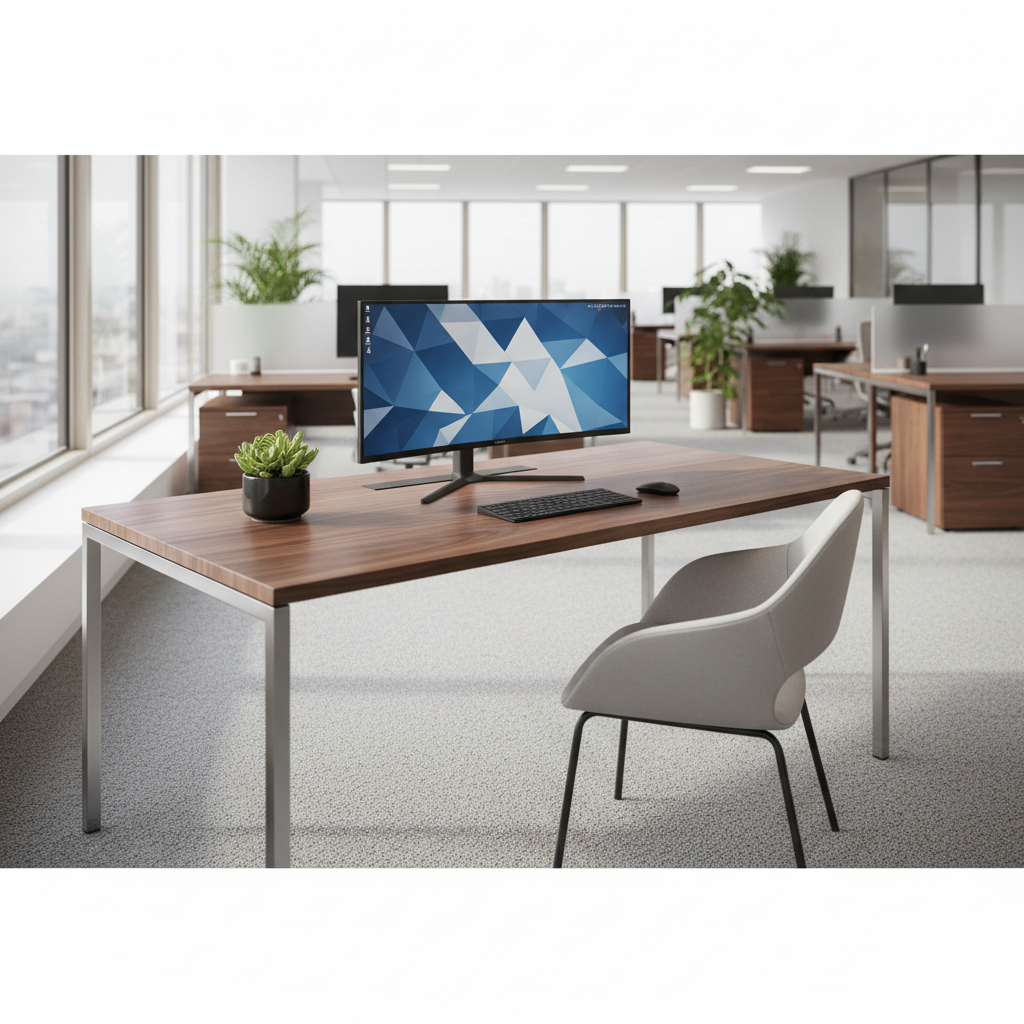
Key Takeaway: Strategic furniture choices serve as a direct investment in your human capital and operational efficiency.
| Metric | Impact Level | Business Goal |
|---|---|---|
| Productivity | High | Increase output |
| Retention | Medium | Lower turnover |
| Culture | High | Boost morale |
The following data points confirm that the physical desk is more than a surface; it is a tool for professional engagement.
II. Planning your office workstation layout
Planning your office workstation layout starts with a detailed audit of your available square footage and team workflows. You must align your office furniture with the specific tasks your departments perform every day.
Which plan saves square feet?
Smart spatial planning can help you fit 15% more staff without making the room feel crowded or tight.
- Benching systems maximize density.
- L-shaped desks utilize corner space.
- Modular units allow for future growth.
Here is the deal: Every square inch you save on the floor translates to lower overhead costs for your lease.
How to align with workflows?
Your furniture arrangement should mirror the way information flows through your organization naturally.
- Group collaborative teams in open clusters.
- Keep accounting and legal in quiet zones.
- Place shared resources in central hubs.
The reality is: A layout that works against your workflow will lead to frustration and lost billable hours.
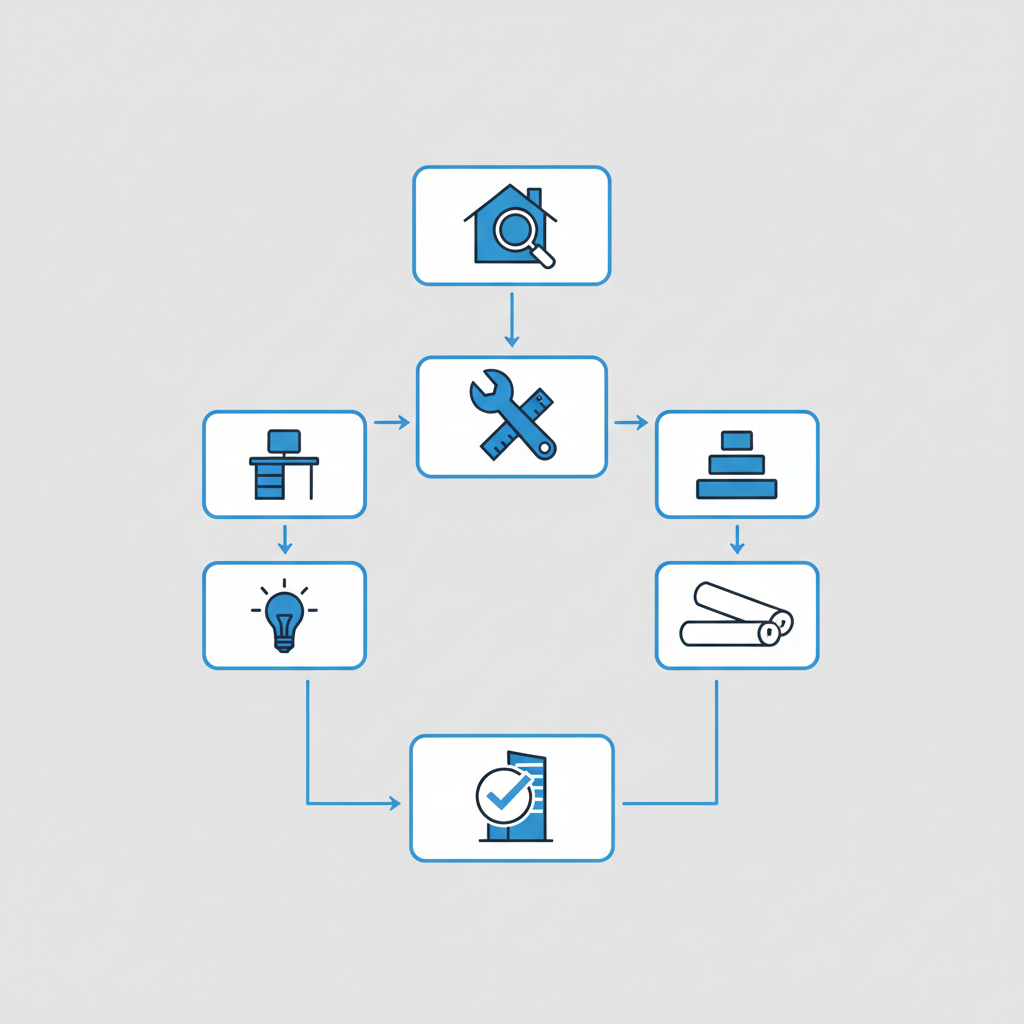
Key Takeaway: Mapping your floor plan to team functions ensures that your office supports, rather than hinders, daily operations.
| Factor | Priority | Implementation Strategy |
|---|---|---|
| Density | High | Bench systems |
| Traffic | Medium | Clear pathways |
| Proximity | High | Workflow mapping |
Effective planning creates a seamless transition between different types of work throughout the business day.
III. Benefits of an open office workstation
An open office workstation design is excellent for teams that rely on rapid-fire communication and frequent collaboration. This layout removes the physical silos that often slow down innovation in traditional corporate structures.
Can it improve collaboration?
Teams in open environments often solve complex problems faster because they can brainstorm without booking formal rooms.
- Removes barriers to communication.
- Fosters a sense of shared purpose.
- Enables quick, informal meetings.
Now for the best part: Removing cubicle walls can shorten the feedback loop between project managers and their staff.
How to maintain team energy?
A high-energy environment keeps staff engaged and prevents the afternoon slump that kills commercial productivity.
- Maximize access to natural sunlight.
- Incorporate plants and biophilic elements.
- Use vibrant colors in common areas.
Let’s face it: The psychological impact of a bright, open space is measurable in employee engagement scores.
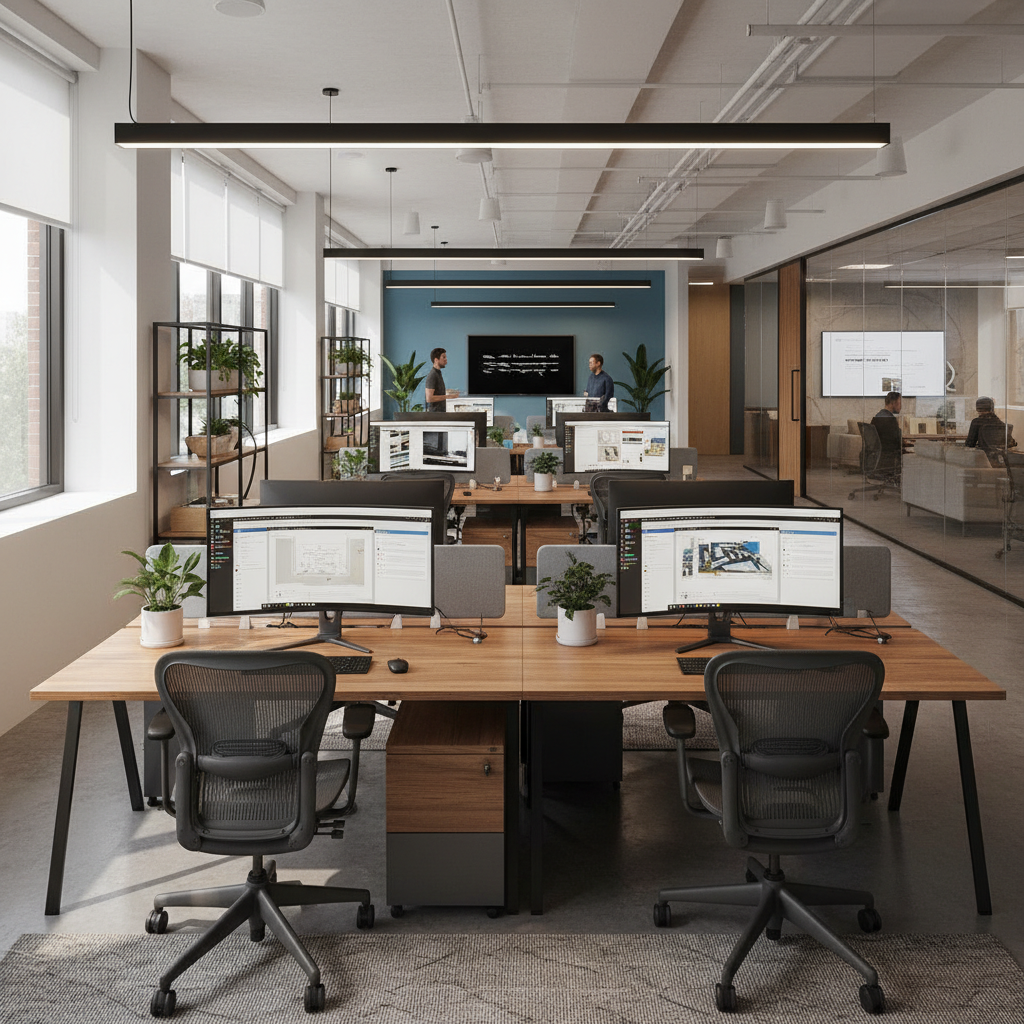
Key Takeaway: Open layouts thrive when they are paired with high-energy design elements and a culture of transparency.
| Benefit | Organizational Result | Ideal User Group |
|---|---|---|
| Communication | Instant speed | Creative teams |
| Transparency | High trust | Sales divisions |
| Cost | Lower CAPEX | Large departments |
An open model remains the most cost-effective way to foster a fast-paced, collaborative work environment.
IV. Privacy in an office workstation setup
Privacy in an office workstation setup is essential for managing the noise that can easily disrupt deep work. You must balance the transparency of your layout with dedicated zones for focus and confidential conversations.
How to reduce office noise?
Controlling acoustics is the only way to prevent an open office from becoming a chaotic distraction for staff.
- Install high-quality acoustic screens.
- Use sound-absorbing ceiling baffles.
- Deploy white noise machines in hubs.
The bottom line: Sound management is a technical requirement, not a luxury, for productive commercial spaces.
Are acoustic panels worth it?
Investing in sound management pays for itself through the increased focus and accuracy of your team members.
- Reduces echo in large rooms.
- Provides visual privacy for desks.
- Enhances the aesthetic of the space.
Wait, there is more: Panels can also serve as tackable surfaces for team notes and project schedules.

Key Takeaway: Privacy is not an all-or-nothing choice; it is a spectrum managed through acoustic furniture and smart zoning.
| Tool | Primary Focus | Main Benefit |
|---|---|---|
| Desk Screens | Visual focus | Personal privacy |
| Ceiling Baffles | Audio dampening | Echo reduction |
| Phone Booths | Absolute privacy | Secure calls |
Strategically placed acoustic elements allow employees to switch between social interaction and deep work easily.
V. Hybrid office workstation design trends
Hybrid office workstation trends have shifted toward flexibility to accommodate the rise of part-time and remote commercial staff. Modern offices must be agile enough to handle fluctuating headcounts without leaving large areas of the floor feeling empty.
What is a flexible workspace?
A flexible office adapts to the needs of the day rather than forcing the team to adapt to the room.
- Hot-desking for visiting staff.
- Mobile furniture that moves easily.
- Modular pods for quick meetings.
It gets better: Flexible spaces allow you to scale your team up or down without expensive renovations.
How to support part-time staff?
Hybrid workers need to feel like they belong, even if they aren’t at a desk five days a week.
- Provide secure daily lockers.
- Ensure easy tech “plug and play.”
- Create varied zones for different tasks.
Believe it or not: Your hybrid strategy is only as strong as the furniture that supports it.
Key Takeaway: Successful hybrid models use modular furniture to maintain a feeling of community regardless of daily attendance.
| Trend | Business Benefit | Implementation Method |
|---|---|---|
| Hot Desking | High efficiency | Booking apps |
| Modular Pods | Extreme versatility | Standalone units |
| Mobile Agility | High speed | Lockable casters |
Data shows that flexible environments increase space utilization and lower the long-term cost of commercial leases.
VI. Office workstation ergonomic standards
Office workstation ergonomics are non-negotiable if you want to protect your team from repetitive strain and fatigue. High-performing commercial teams require furniture that supports the body through long hours of intense computer work.
Are standing desks better?
Alternating between sitting and standing can boost alertness and keep your team sharp throughout the workday.
- Improves blood flow and energy.
- Reduces lower back pain issues.
- Encourages movement during tasks.
Look at the facts: Sit-stand options are the highest-requested feature for modern commercial workstation procurement.
How to prevent staff fatigue?
Minor ergonomic adjustments can prevent the chronic aches that lead to employee absenteeism and poor work quality.
- Use chairs with lumbar support.
- Position monitors at eye level.
- Ensure desks are at the right height.
Think about it: A small investment in an adjustable arm saves thousands in potential injury claims.
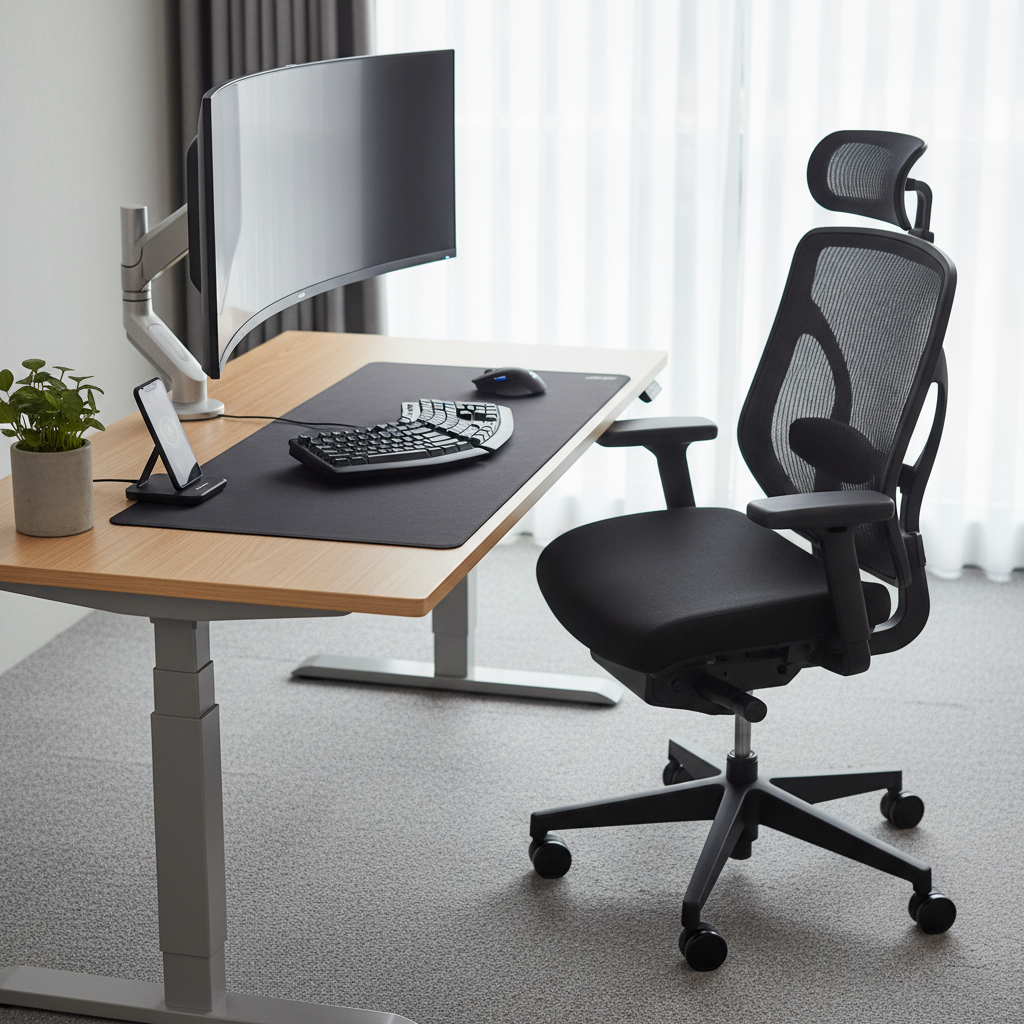
Key Takeaway: Ergonomics is the science of comfort, and comfortable employees are consistently more productive over time.
| Feature | Primary Function | Employee Result |
|---|---|---|
| Sit-Stand | Dynamic movement | Lower fatigue |
| Lumbar | Spinal support | Long-term health |
| Monitor Arm | Vision alignment | Neck relief |
Prioritizing physical health at the desk level results in a more resilient and energetic commercial workforce.
VII. Sizing your office workstation correctly
Sizing your office workstation must be precise to ensure every employee has enough personal space while staying within the lease footprint. Standard commercial desks usually range from 48 to 60 inches wide, depending on the complexity of the staff member’s equipment.
How much space is needed?
Giving an employee too little space causes mental clutter that slows down their critical decision-making process.
- Primary work zone for monitors.
- Secondary zone for tablets/notes.
- Reference zone for extra storage.
Make no mistake: Workspace volume directly correlates to the quality of an employee’s focused output.
What are standard desk sizes?
Matching the desk size to the specific job function ensures you aren’t wasting expensive commercial square footage.
- 48 inches for laptop users.
- 60 inches for dual-monitor setups.
- 72 inches for creative professionals.
Here is the kicker: Standardizing your sizes makes it easier to reconfigure the office as your team grows.
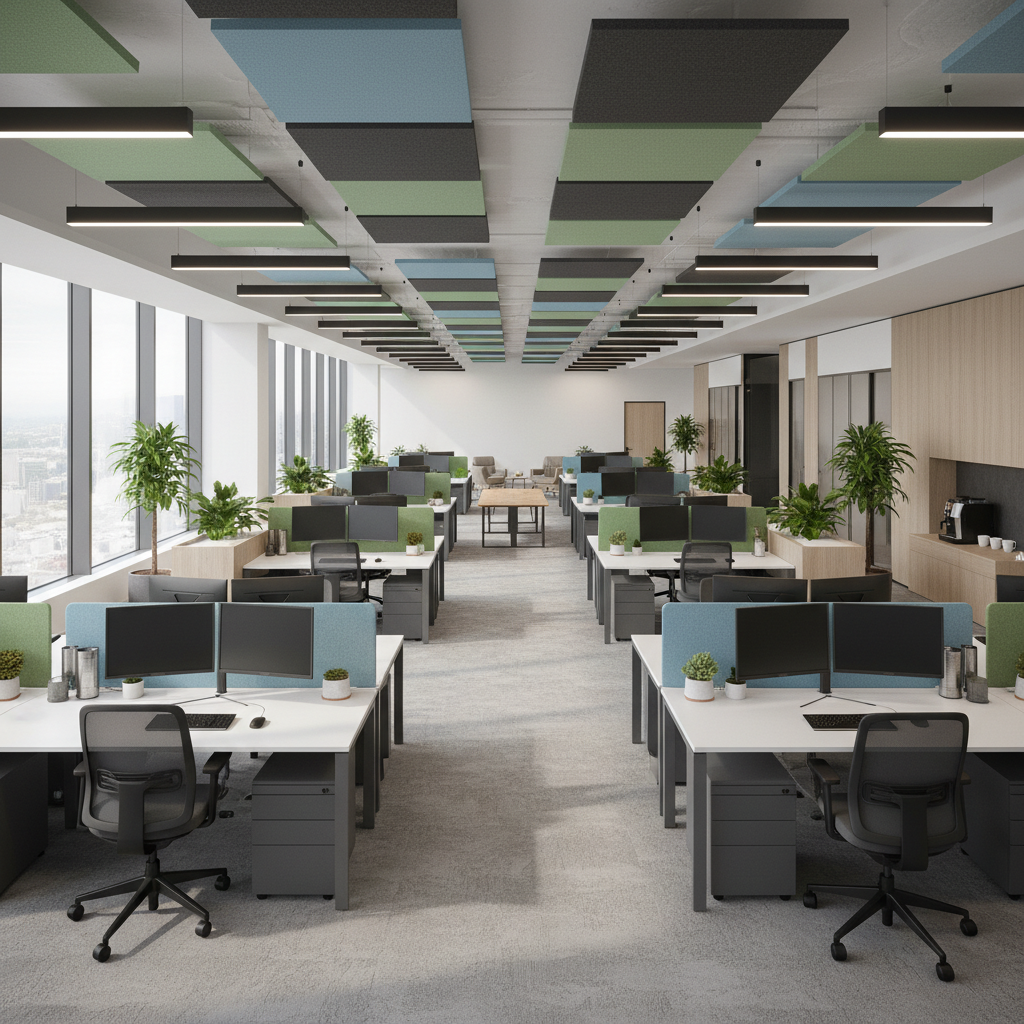
Key Takeaway: Proper sizing balances the need for individual focus space with the economic realities of commercial real estate.
| Job Role | Recommended Width | Focus Requirement |
|---|---|---|
| Admin | 48 Inches | Minimal |
| Analyst | 60 Inches | Maximum |
| Designer | 72 Inches | Maximum |
Analyzing your team’s hardware requirements is the first step in selecting the correct workstation dimensions for your office.
VIII. Durable office workstation material picks
Durable office workstation materials are essential for furniture that will see heavy, daily use in a busy commercial environment. If your project includes learning annexes, you might also consider specialized educational furniture that matches your primary office aesthetic.
Why choose wooden furniture?
High-quality wood furniture creates a sophisticated atmosphere that reflects the professional standards of your commercial brand.
- Lasts longer than cheap plastic.
- Provides a premium, warm feel.
- Easy to repair and refurbish.
Believe it or not, A wooden desk often gains character over time, unlike synthetic materials that simply degrade.
Which finishes last longest?
Choosing the wrong finish can lead to unsightly peeling and wear in as little as two years of use.
- High-pressure laminates resist heat.
- Melamine is scratch-resistant.
- Solid wood with UV coatings.
The reality is: Durability at the point of purchase prevents the need for costly replacements every few seasons.
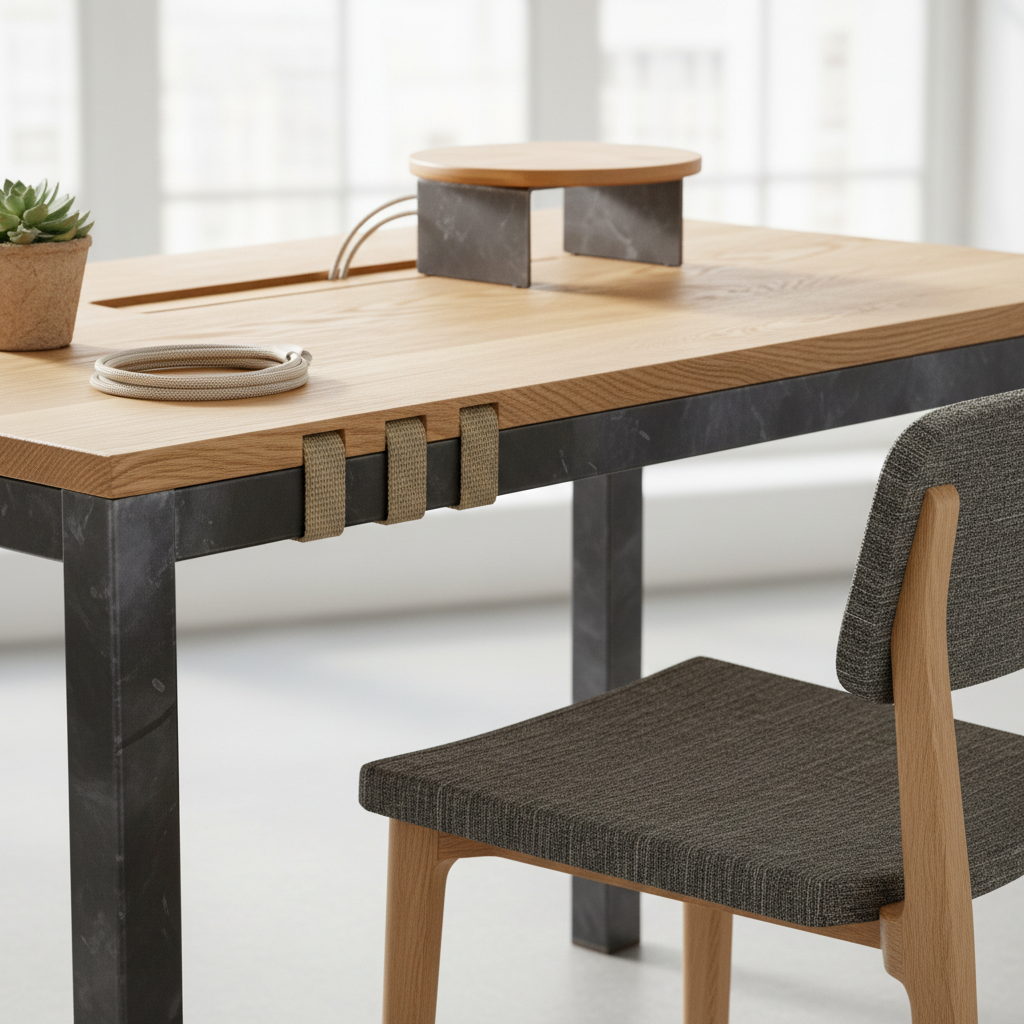
Key Takeaway: Investing in durable materials like wood ensures your furniture remains an asset for a decade or more.
| Material | Durability Rating | Visual Aesthetic |
|---|---|---|
| Solid Wood | High | Premium / Warm |
| Laminate | Medium | Modern / Sleek |
| Metal | Very High | Industrial / Rugged |
Material choice impacts both the longevity of your investment and the psychological comfort of your employees.
IX. Technology for your office workstation
Technology integration is what separates a modern office workstation from a dated, inefficient floor plan that slows down your team. You can find inspiration for these setups in home office decor ideas that emphasize clean, wireless appearances and high-speed connectivity.
How to hide messy cables?
Visible wires create a sense of chaos that increases stress and decreases the professional feel of your office.
- Under-desk cable trays.
- Integrated desk grommets.
- Magnetic wire management.
Here is the deal: A “cable-free” desktop improves mental clarity and professional presentation during client visits.
Do you need integrated power?
Integrated power ports are a small cost that significantly improves the daily user experience for your mobile team.
- Eliminates crawling under desks.
- Supports rapid charging for phones.
- Redundancy for varied tech setups.
Think about it: Your staff should spend their time working, not searching for a free wall outlet.
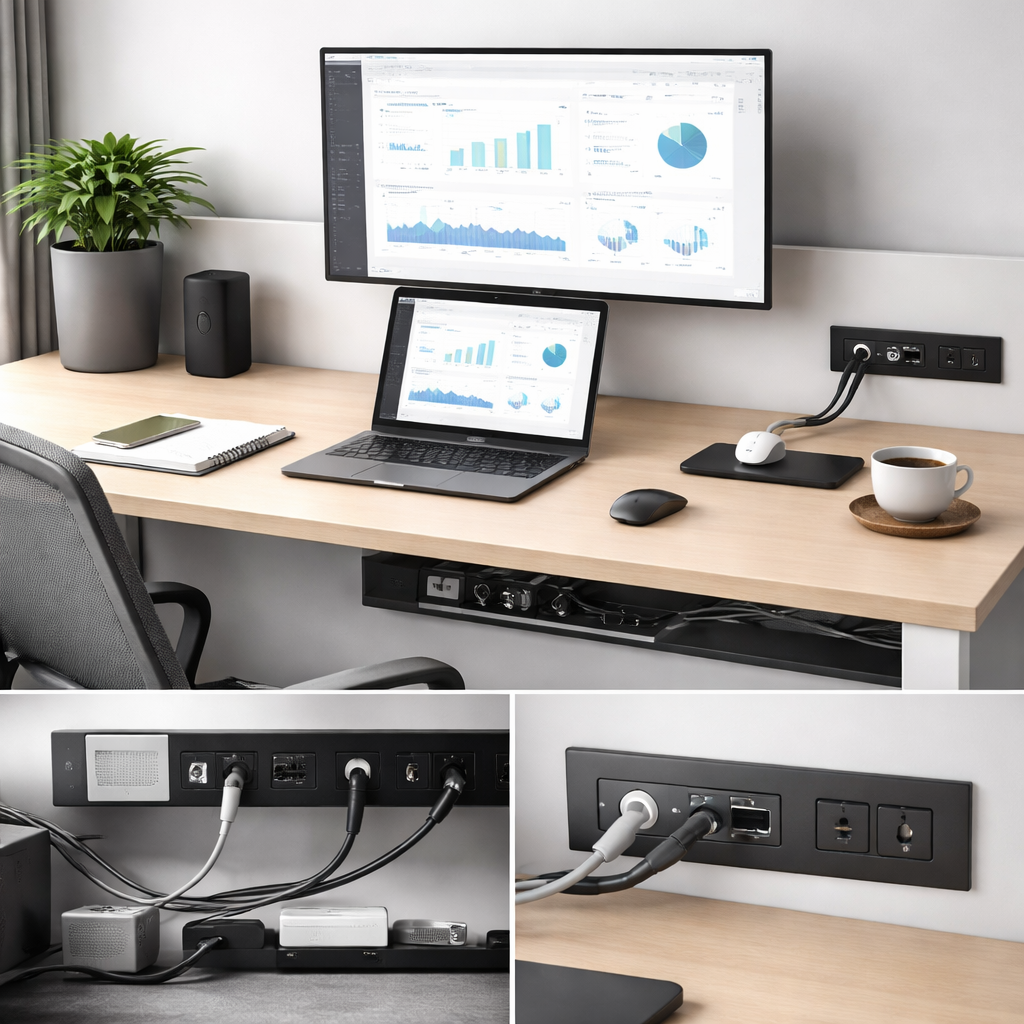
Key Takeaway: Seamless tech integration is essential for maintaining a clean, high-efficiency environment in the digital age.
| Tech Feature | User Benefit | Layout Impact |
|---|---|---|
| Power Grommets | Ease of access | Clean surface |
| Cable Trays | Safety focus | No trip hazards |
| Monitor Arms | Ergo health | More desk space |
A “tech-first” design approach ensures that your hardware never gets in the way of your team’s creative flow.
X. Managing office workstation storage
Managing office workstation storage ensures that work surfaces remain clear of clutter and distracting papers. For larger equipment, refer to our printer stand with storage guide to find the best placement for shared peripheral units.
Where do storage units go?
Effective storage placement keeps essential items within reach without eating up valuable tabletop work area.
- Mobile pedestals under the desk.
- Vertical shelving at row ends.
- Centralized lockers for personal gear.
Now for the best part: Mobile storage can double as guest seating for quick, impromptu desk-side chats.
Is personal storage necessary?
When employees have a designated place for their things, the entire office stays more organized and professional.
- Reduces desktop clutter.
- Provides security for belongings.
- Encourages a “clean desk” policy.
Make no mistake: Clutter on the desk often mirrors clutter in the mind, slowing down commercial results.
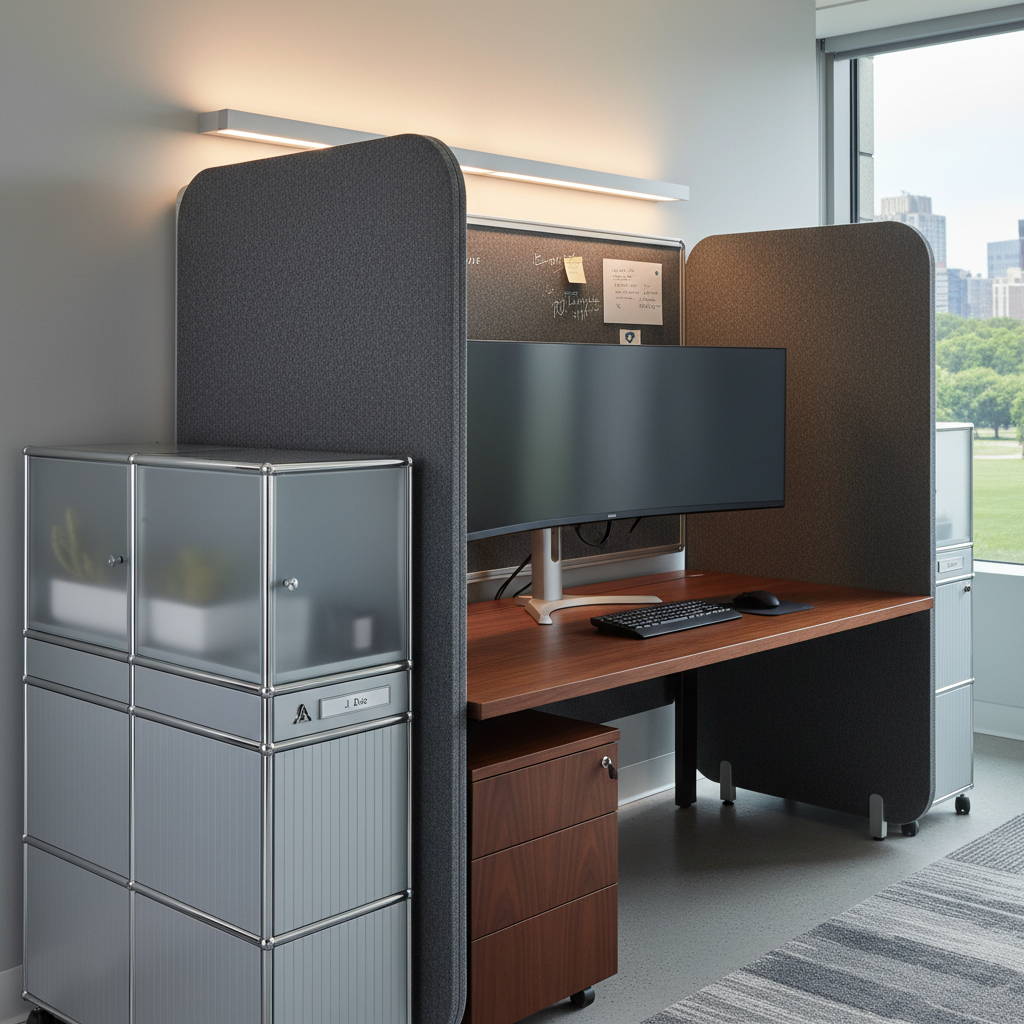
Key Takeaway: Strategic storage solutions prevent physical clutter from becoming a mental distraction for your staff.
| Storage Type | Best Use Case | Space Impact |
|---|---|---|
| Pedestal | Individual files | Very Low |
| Lateral | Archive / Shared | High |
| Locker | Personal items | Medium |
An organized workstation is the mark of an efficient commercial team that values clarity and precision in its operations.
Strategic Final Thoughts
Specifying a layout is not merely about buying furniture; it is an investment in your team’s daily output and cultural health. By prioritizing ergonomics, acoustic control, and high-quality materials, you ensure your office remains a destination that staff value. If you are ready to transform your floor plan into a high-efficiency environment, contact us today for a custom consultation.
Frequently Asked Questions
Q1: Can I customize the height of my office workstation?
Yes, modern sit-to-stand models allow you to adjust height to match your specific ergonomic needs perfectly.
Q2: What’s the best way to handle noise in an open layout?
Direct sound management through acoustic desk screens and ceiling baffles is the most effective solution for commercial noise.
Q3: How do I choose between wood and metal materials?
High-grade wooden workstations typically provide a more premium aesthetic and excellent long-term durability for corporate brands.
Q4: Why should I invest in integrated power for desks?
Integrated power eliminates the need for messy extension cords and allows your team to stay charged without searching for outlets.
Q5: Is a 48-inch desk enough for commercial staff?
A 48-inch desk is generally sufficient for laptop-based users, but dual-monitor roles usually require at least 60 inches of width.